Citrix Netscaler 10 Build 69.4 saving configuration and creating HA-Pair fails
During the last days I startet to test the Citrix Netscaler 10 Build 69.4. After booting the first VPX-Appliance I wasn’t able to save a changed configuration – even if it was only a single change. Neither the save on the command line nor the save using the Webinterface worked. In both methodes I activated “save” but nothing happened and you had to reconnect your session (no input was possible any longer).
After searching around a little bit I found a solution for this: There is a confirmed bug in Build 69 which stops the saving function to work correct if no license is imported into the Netscaler. After importing a license and restarting the appliance the save function was working as expected. Hopefully this bug will be fixed in the next build.
Another error occurred when I tried to activate a second node for the “High Availability” feature:
“Error on remote node
null” 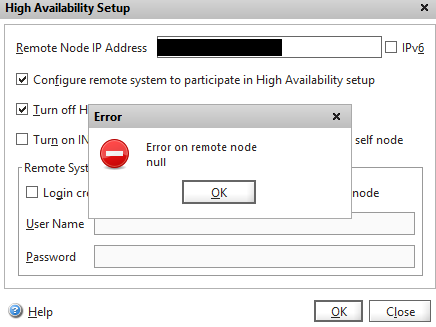
Except of the network settings and the license files nothing was configured on both nodes. To solve this error you have to activate the “Login credentials” for the other node – even if they are still the same (like in my case). 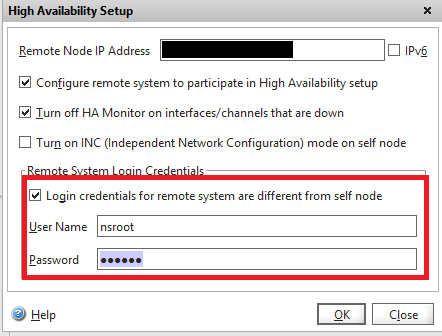
After entering the credentials everything was working fine and the HA-Pair was created. For me this looks like another bug in this build… 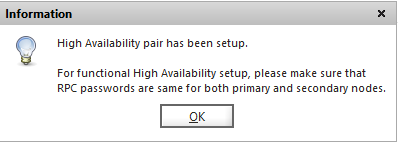
HTH 


 Jan Hendriks Blog