Creating a Citrix NetScaler Redirect Policy for StoreFront Web
When a user tries to access Citrix StoreFront with a Web browser he needs to know the full path to the (default) WebStore – if no redirection is configured. You can either configure this on each StoreFront Server through the IIS or on a load balancer (eg NetScaler) in front of them. Thus I would like to show you how to configure this redirection on a NetScaler:
1.Open the Load Balancing Virtual Server for StoreFront 
2. Under Advanced activate Policies and add one (+). 
3.Choose the following configuration:
Policy: Rewrite
Type: Request 
4.Select “+” next to “Select Policy” to add a Policy. 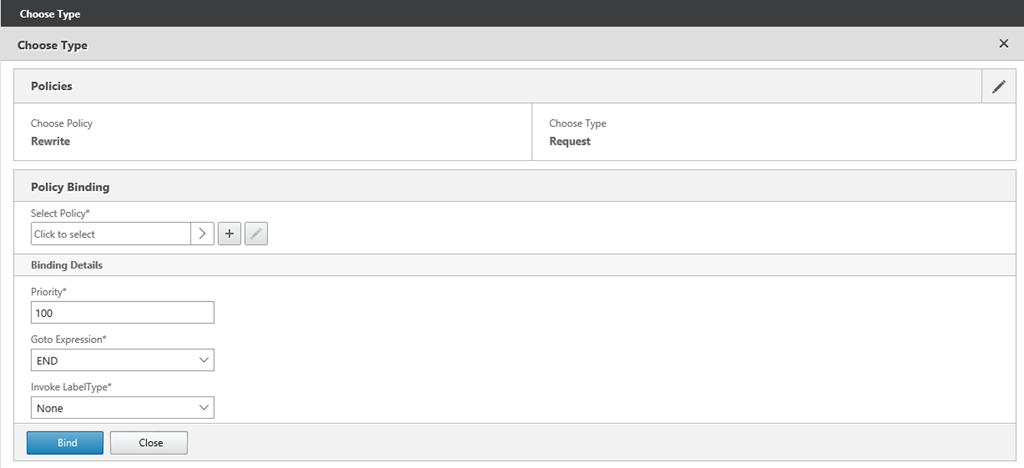
5. Enter a Name for the policy and add a new Action (“+” under Action). 
6.Enter a name for the policy and configure the following settings:
Type: REPLACE
Expression to choose target location: HTTP.REQ.URL
Expression to Replace with: “/Citrix/StoreWeb” (If you are not using the default StoreWeb Url replace this with your Url – but only the folder part).
Confirm the settings with Create. 
7. With the Action we configured what happens – now we need to configure when the action is applied. Thus you enter the following for the Expression:
HTTP.REQ.URL.EQ(“/”)
To create the Policy with the configured action press Create. 
8.The last step is to bind the policy to the Virtual Server (Bind). We do not have to configure anything like Priority because for this only one policy is necessary. 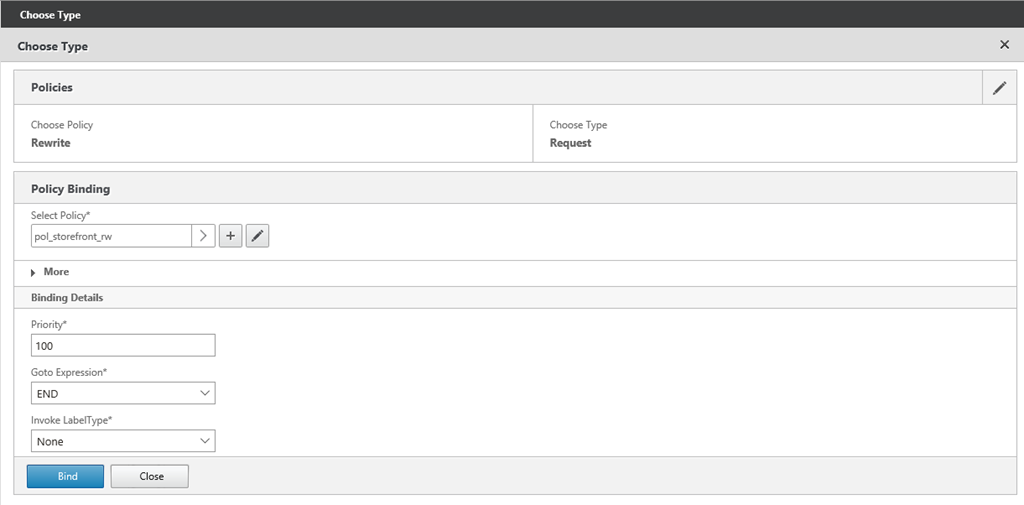
9. That’s it – the policy is now bound to the Virtual Server and users are automatically redirected to the StoreFront Website. 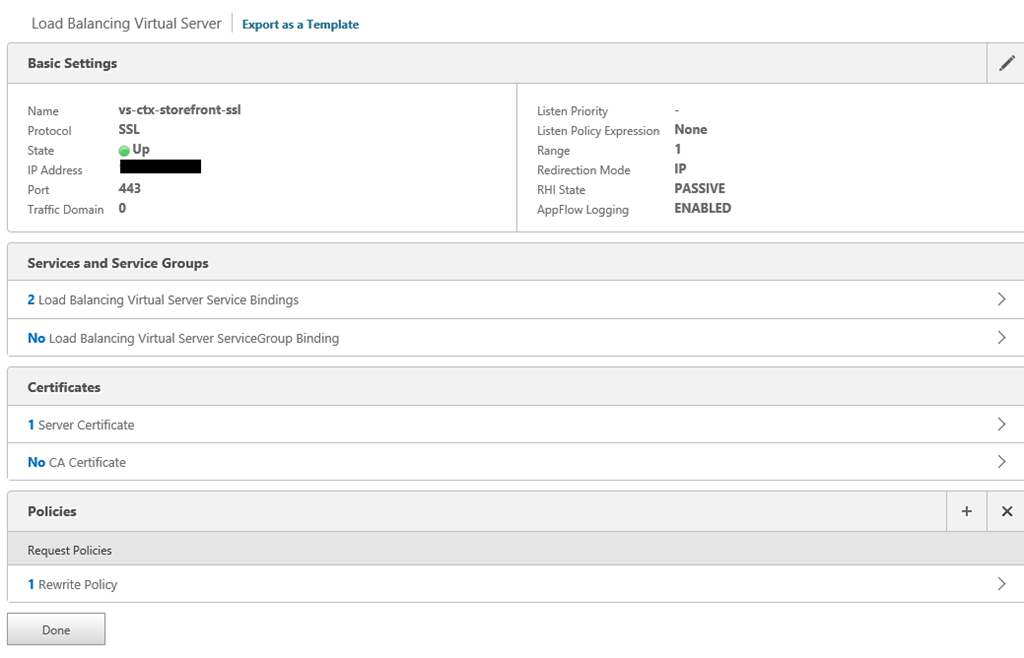


 Jan Hendriks Blog