Upgrade to Citrix XenDesktop 7.7 – no Zones shown
After one of my last upgrades to XenDesktop 7.7 the Studio didn’t show the new available “Zones”.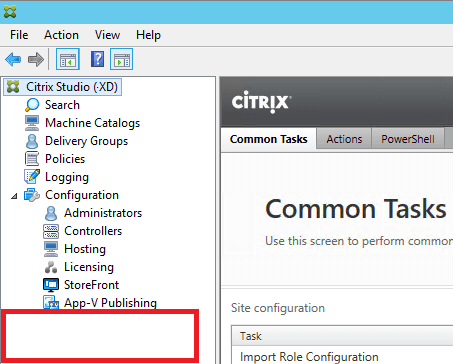
Luckily Kyle Wise had the same problem and already documented how to fix it.
The solution is quite easy – you just need to open PowerShell on a Delivery Controller and enter some commands.
- Import the Citrix-Snapins
Add-PSSnapin Citrix* - Switch to this folder:
C:\Program Files\Citrix\XenDesktopPoshSdk\Module\Citrix.XenDesktop.Admin.V1\Citrix.XenDesktop.Admin
- Run the following script:
Import-AdminRoleConfiguration .\RoleConfigSigned.de.xml
After doing this restart the Studio to check out the new available Zones: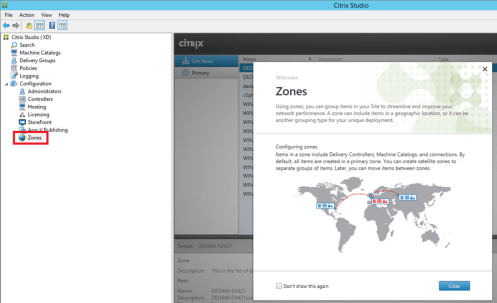
Leave a Comment


 Jan Hendriks Blog